At Spinstopia, we take security seriously. To ensure a safe and fair gaming environment, we require all players to complete a quick account verification process before making a withdrawal. This helps protect your funds and personal information while complying with industry regulations.
How to verify your account?
1) Log in to Spinstopia.
2) Go to 'Withdraw'.
3) Select 'Account Verification'.
4) Complete the 'Account Verification' process.
What Documents Are Required?
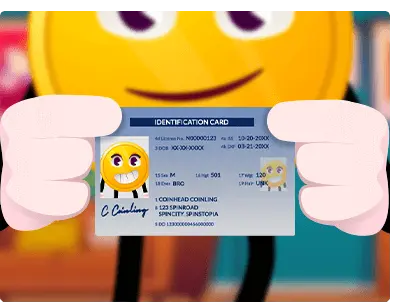
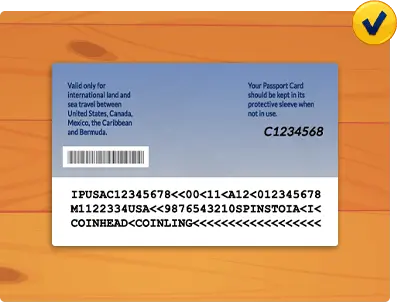
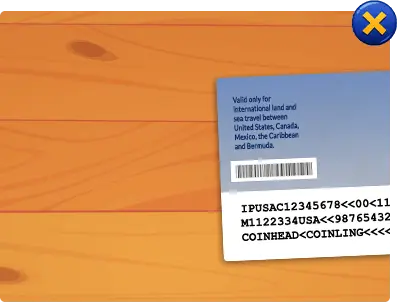
1) Proof of Identity
Send us a clear photo or scan of one of the following:
- Passport
- Driver’s License
- National ID Card
2) Proof of Address
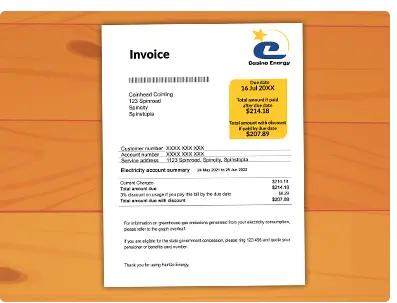
Submit a recent utility bill, bank statement, or official letter (dated within the last 3 months) showing your name and registered address.
3) Verify Your Payment Method
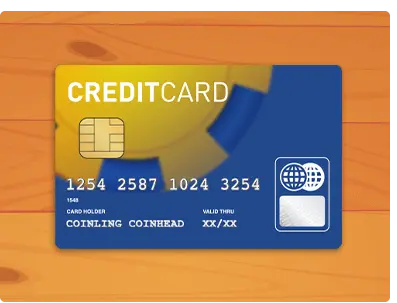
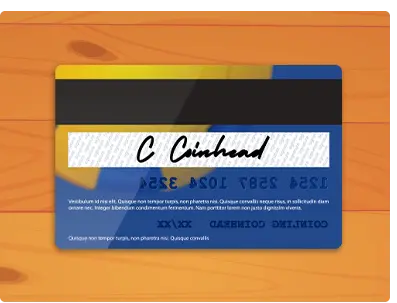
If you’re using a credit/debit card to fund your Spinstopia account, provide a photo of the front and back of the card.
Why is Verification Important?
Need Help?
If you have any questions about verification, our Spinstopia Squad is here to help! Contact the team and we’ll guide you through the process.